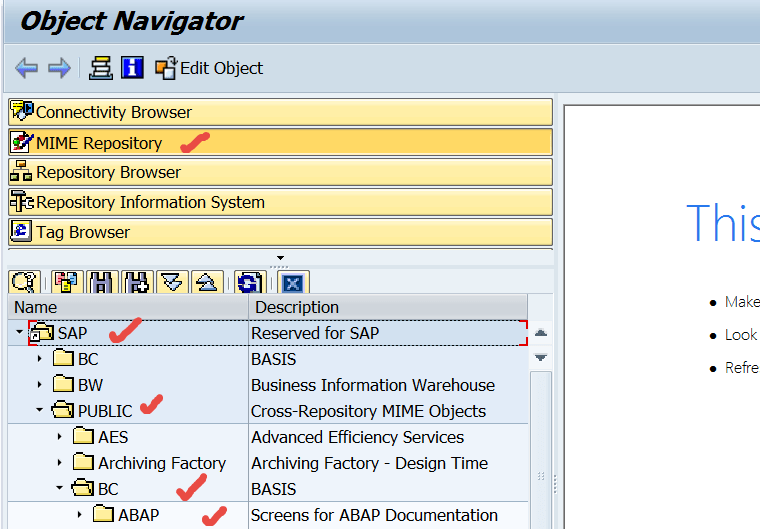
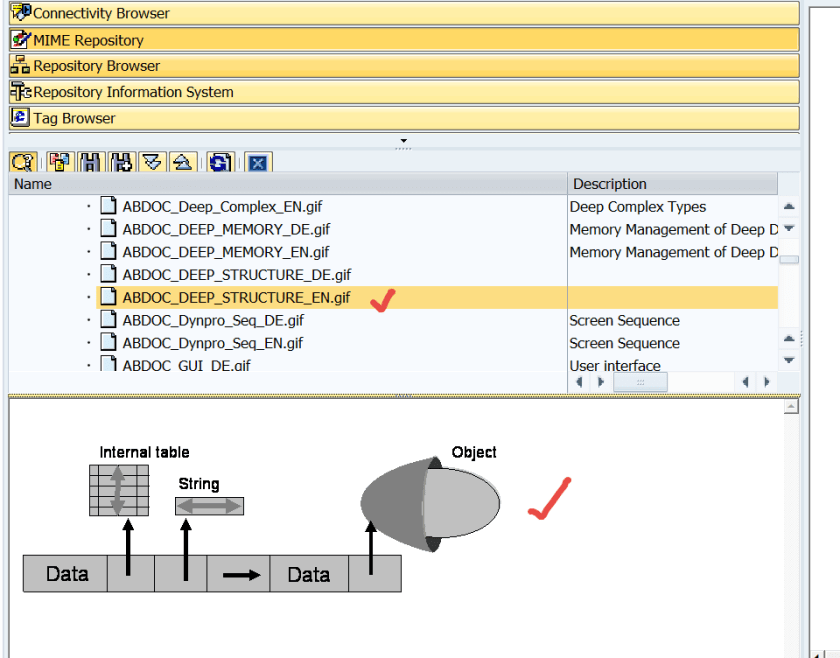
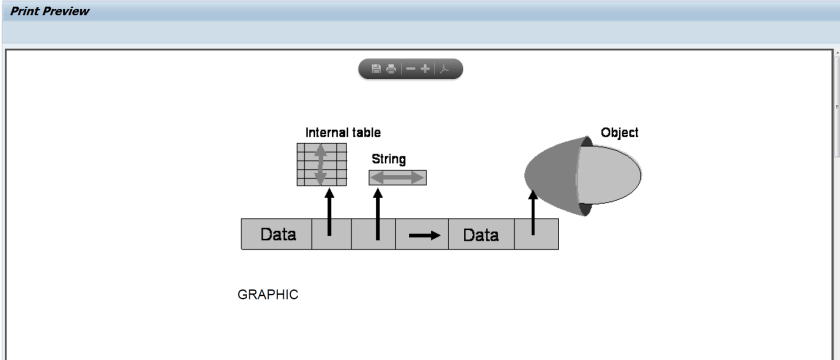
Go to Tx- SE80 and here we have the MIME repository. We have a picture along the path ‘SAP/PUBLIC/BC/ABAP/ABDOC_DEEP_STRUCTURE_EN.GIF’
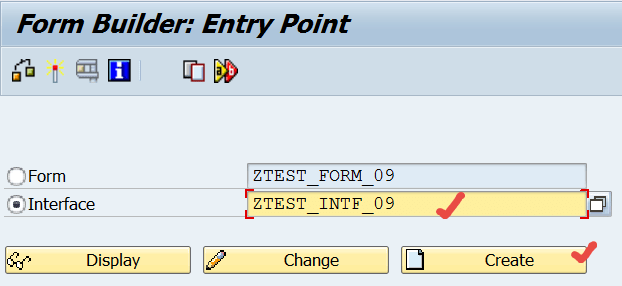
Go to Tx- SFP and create an interface.
Go to Global data.
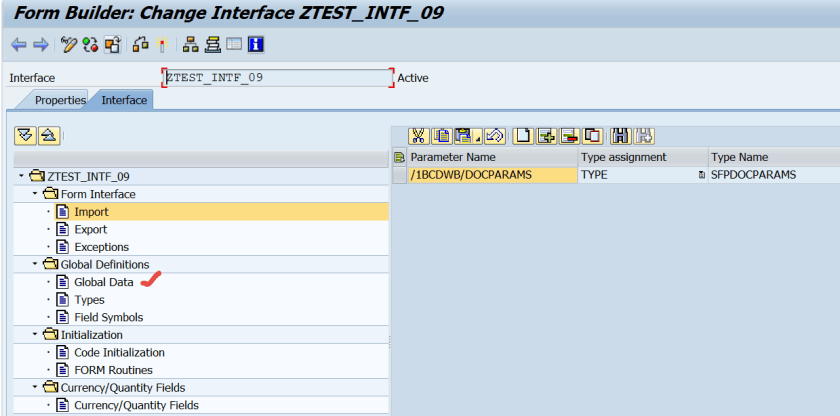
Create two variables LOGO and MIME_TYPE.
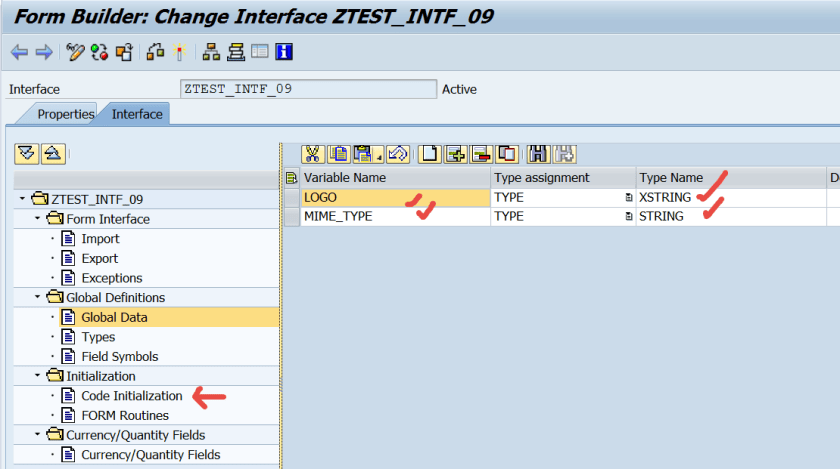
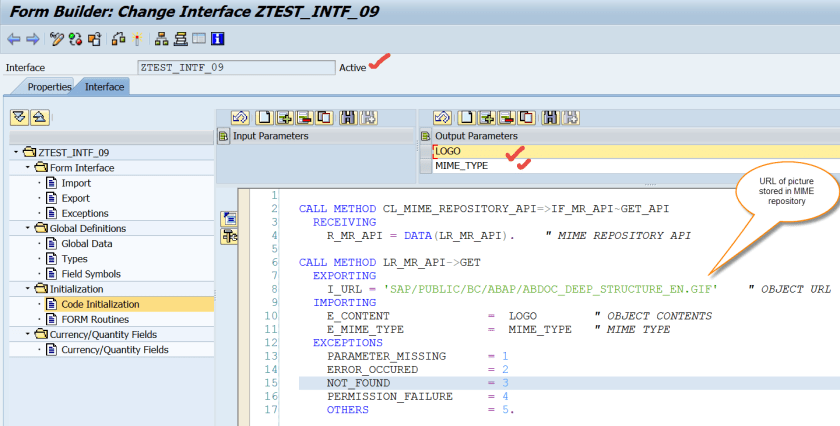
Go to Code initialization and provide below code, which reads MIME picture from the MIME repository and prepares XSTRING data. Activate the interface and go back.
CALL METHOD CL_MIME_REPOSITORY_API=>IF_MR_API~GET_API
RECEIVING
R_MR_API = DATA(LR_MR_API). ” MIME REPOSITORY API
CALL METHOD LR_MR_API->GET
EXPORTING
I_URL = ‘SAP/PUBLIC/BC/ABAP/ABDOC_DEEP_STRUCTURE_EN.GIF’ ” OBJECT URL
IMPORTING
E_CONTENT = LOGO ” OBJECT CONTENTS
E_MIME_TYPE = MIME_TYPE ” MIME TYPE
EXCEPTIONS
PARAMETER_MISSING = 1
ERROR_OCCURED = 2
NOT_FOUND = 3
PERMISSION_FAILURE = 4
OTHERS = 5.
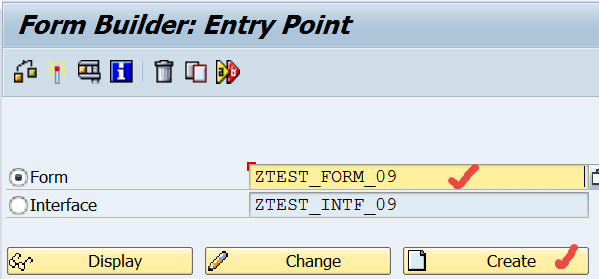
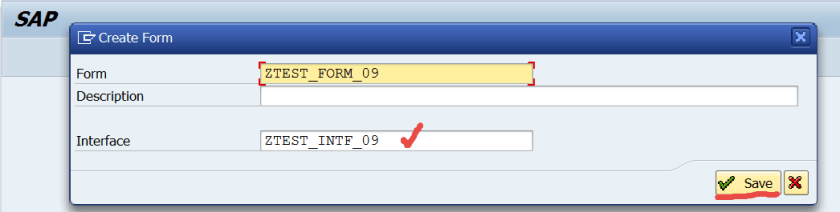
Create a form and assign the form interface.
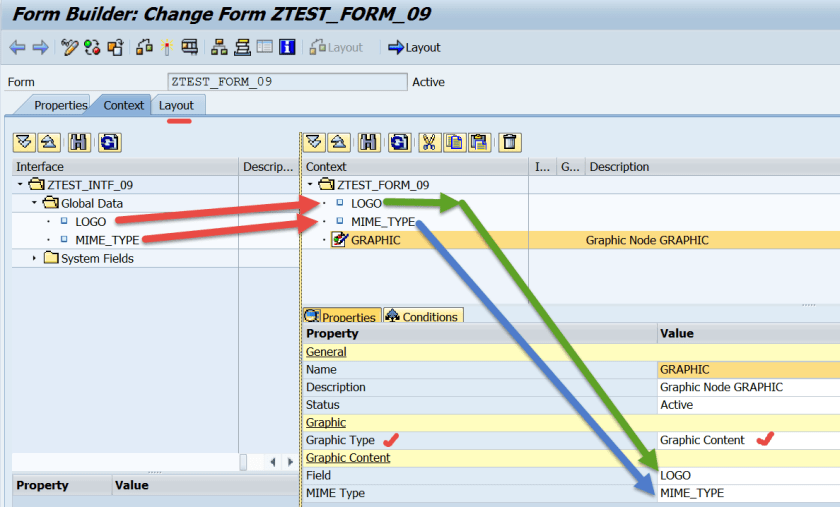
Map the interface global data to the form content area. Additionally create one GRAPHIC field in the form content area and choose Graphic_type as Graphic Content and assign the field and mime type. Go to Form Layout.
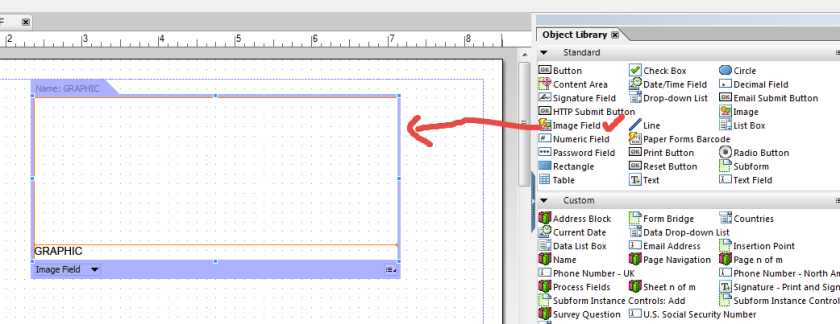
Drag&drop Image field to the page design view.
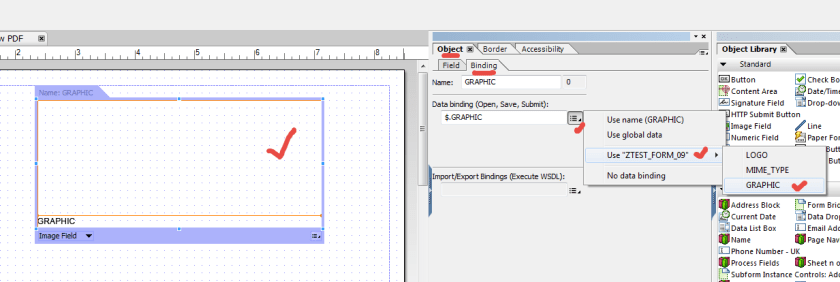
Make the binding.
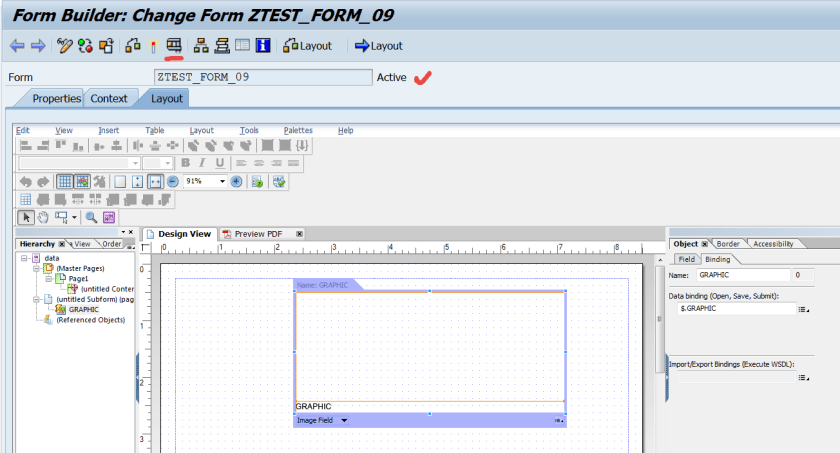
Activate and test the form.
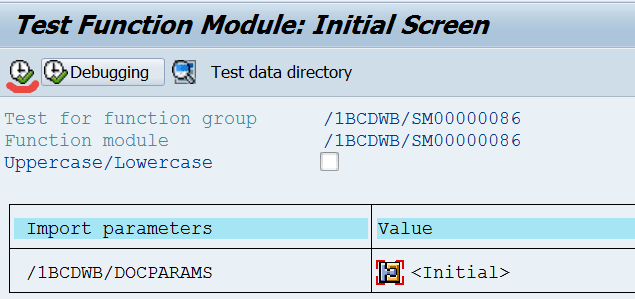
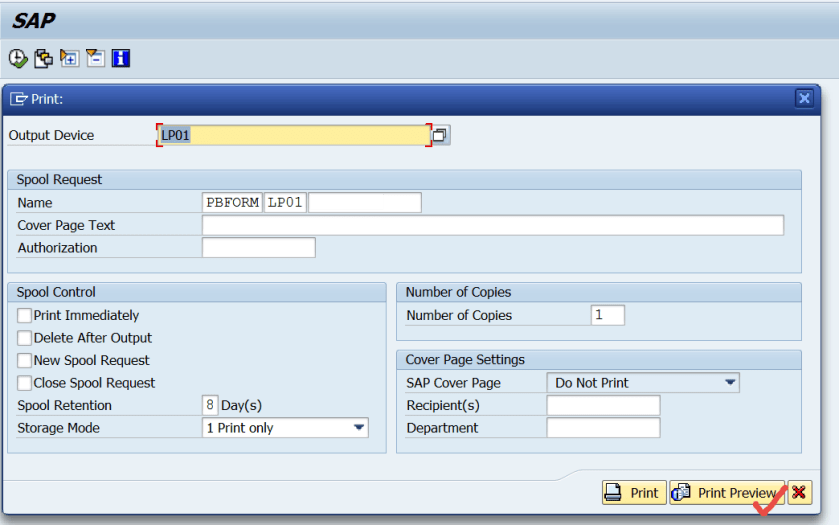
So here we have the form preview.
 SAPCODES
Great content, thank you!
But I’d like to take it into the next level: imagine a scenario where we’d like to print a table with N records, each of them has one field of XSTRING type with an image content.
The procedure shown in this document couldn’t work, because the Graphic Node would not accept the table field as reference. What to do then?
Thanks for the kind attention!
LikeLike