 FICA reconciliation key close and transfer them to FI
Below we have CI Billing Docs created from CI BITs.

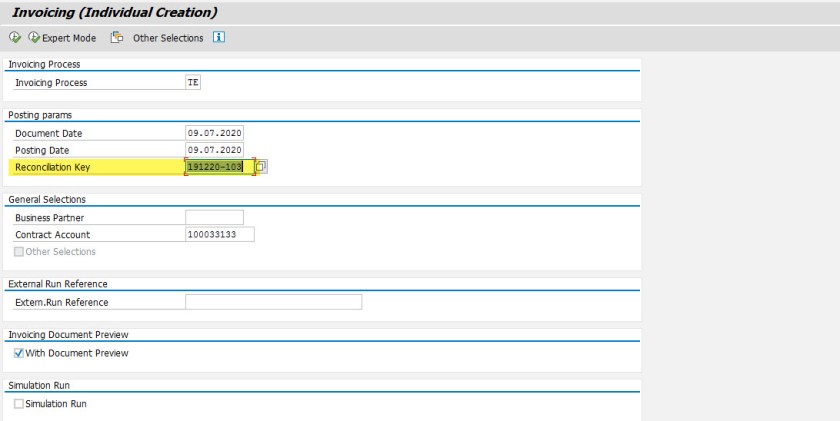
Let’s do an invoicing and here we can provide a reconciliation key.
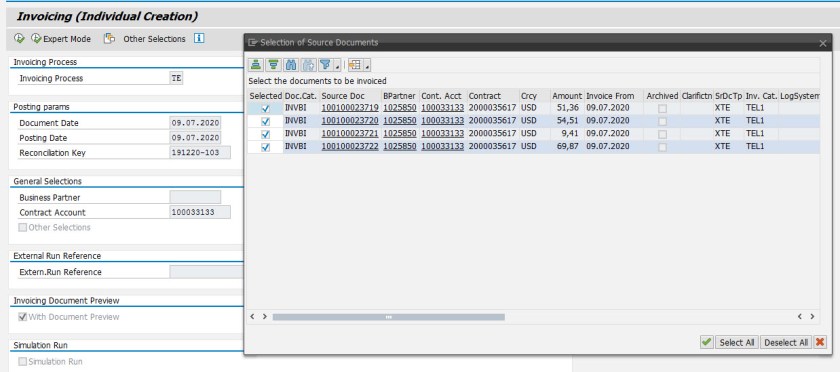
Now the selection picks the 4 CI billing docs.
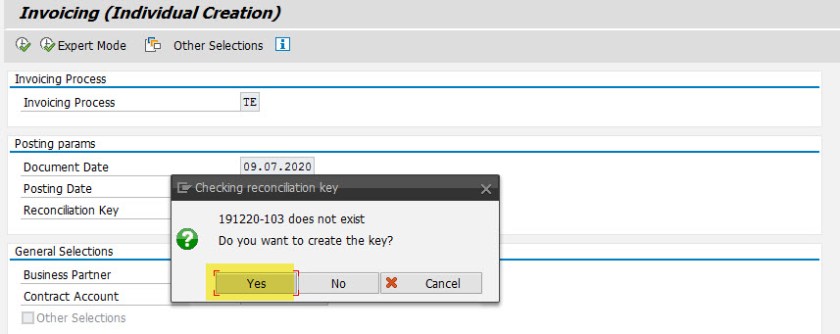
The reconciliation key doesn’t exists and the system creates it.
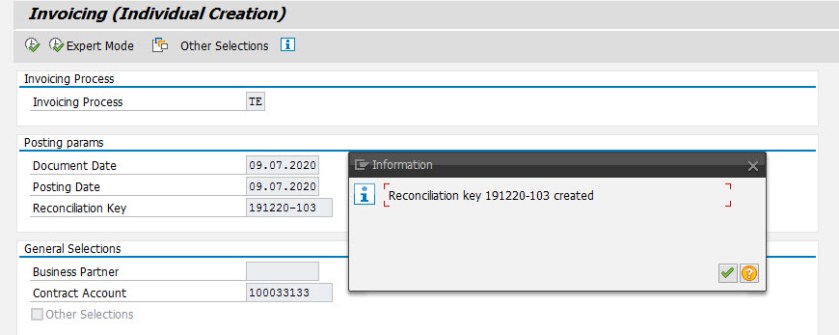
Reconciliation key is now created.
Here we have a single invoicing doc .
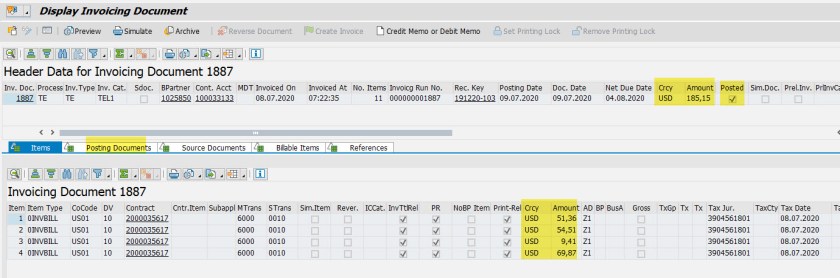
We have a single posting document[ it is posted to FICA as open items].
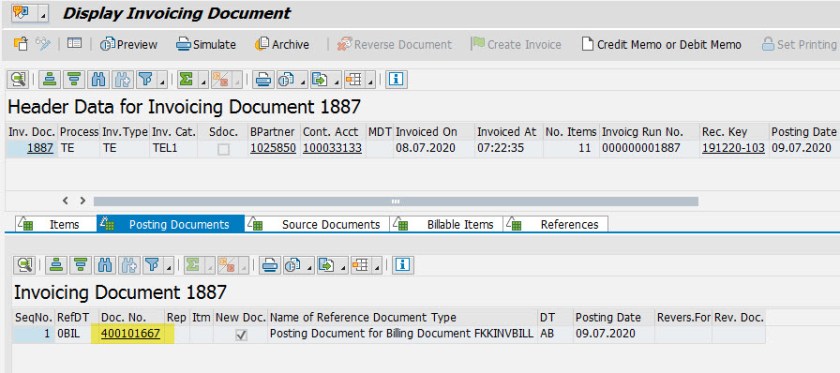
Posting doc details-
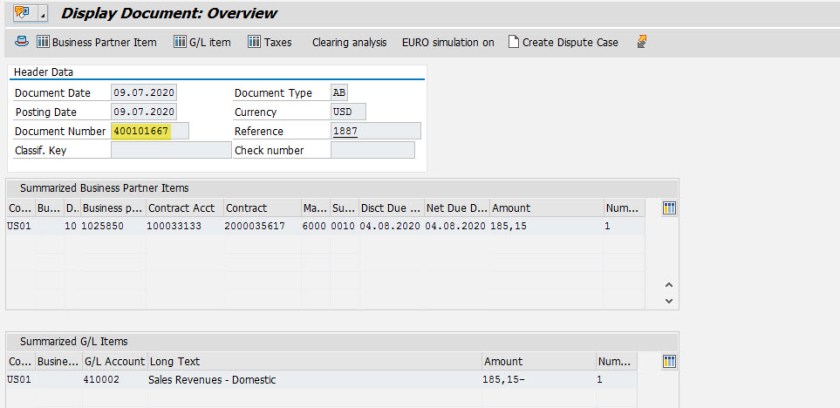
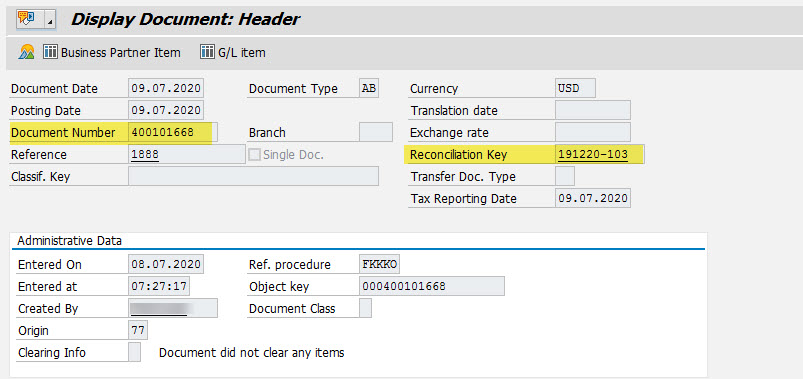
Posting doc header.
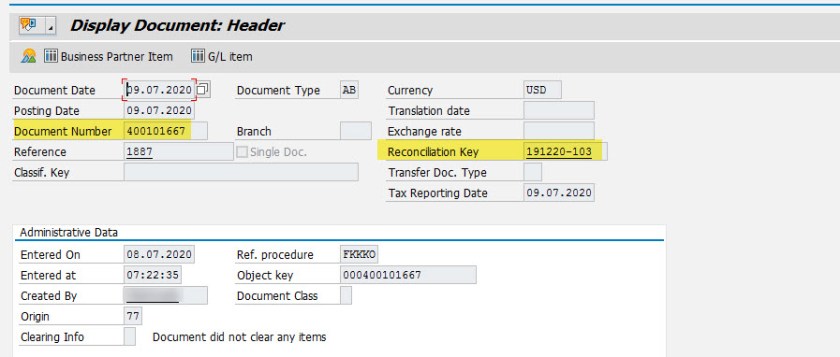
Now we have few more CI billing docs and lets invoice them with the same reconciliation key .

Invoicing doc-
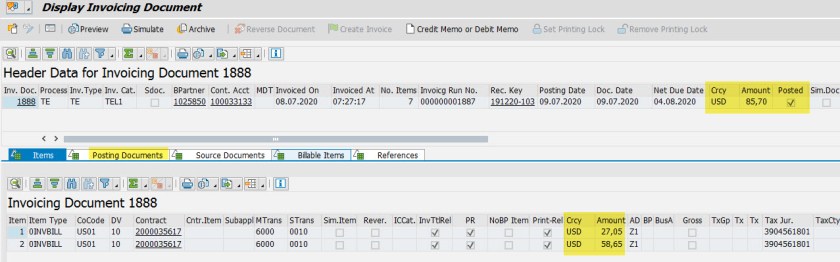
The posting document-
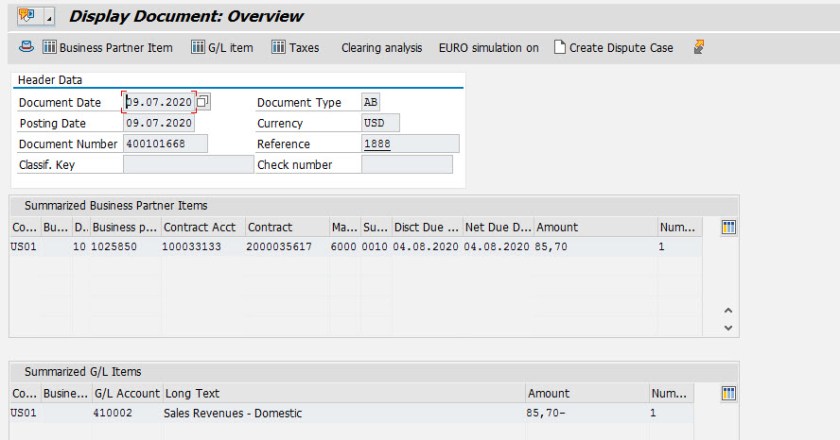
Posting Doc header-
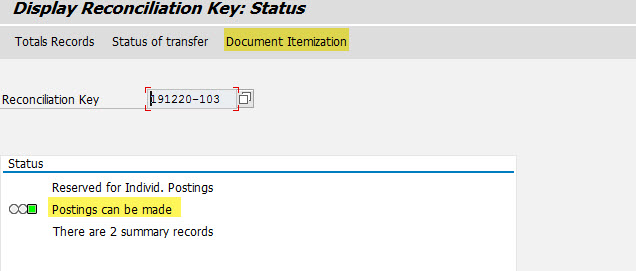
Let’s display the reconciliation key.
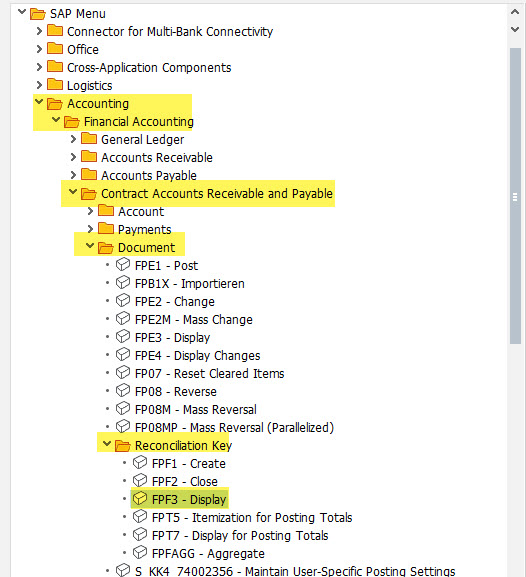
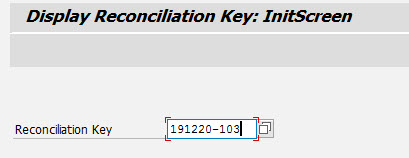
Provide the reconciliation key .
See the document itemization.
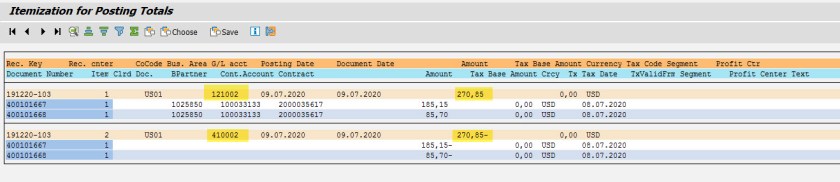
So we have 2 posting documents[ generated from 2 invoicing doc] details-
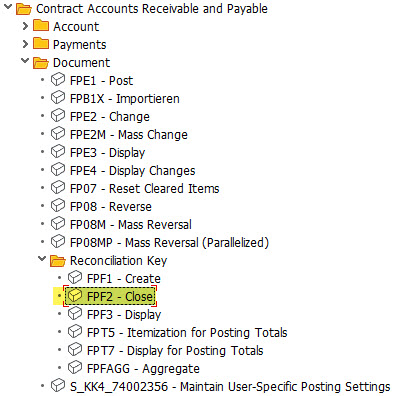
Now let’s close the reconciliation key and the make transfer to FI.
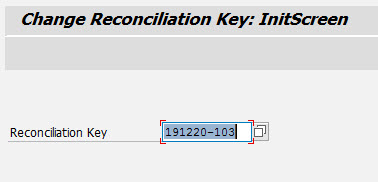
Provide the reconciliation key .
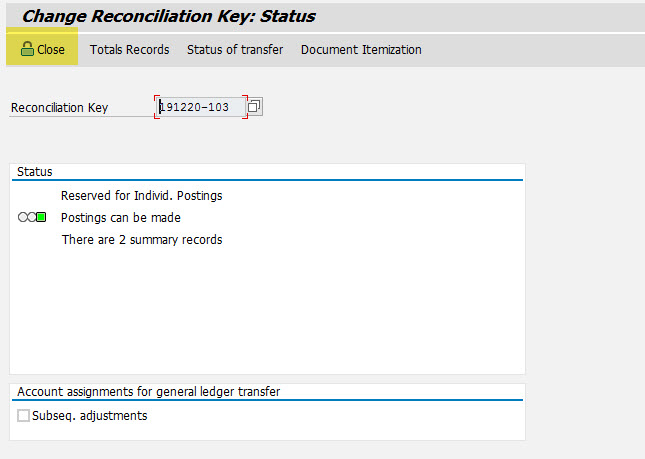
Choose Close.
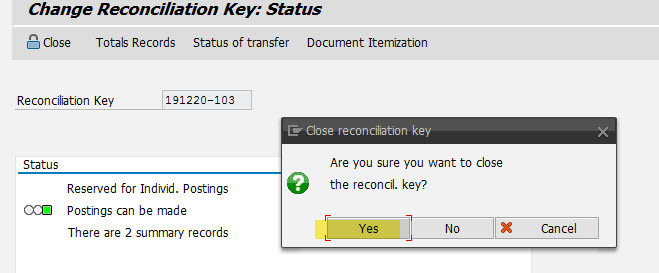
Yes to confirm the close of reconciliation key .
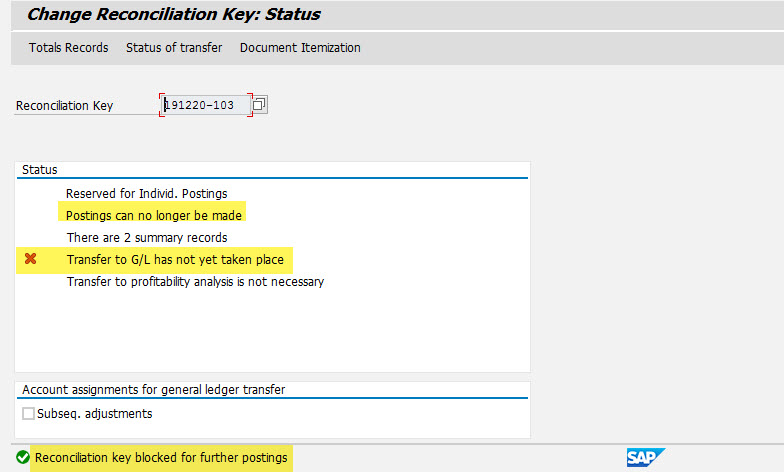
So now, the reconciliation key is closed but not yet transferred to FI G/L.
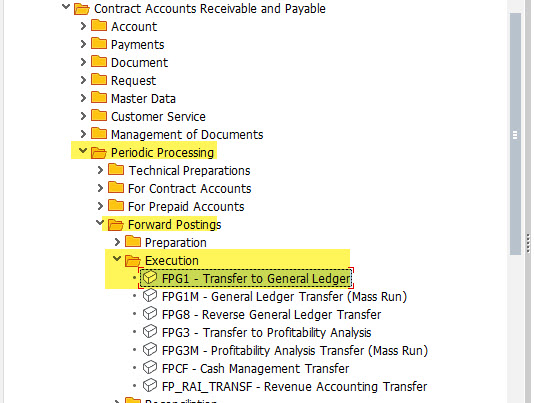
Execute- FPG1
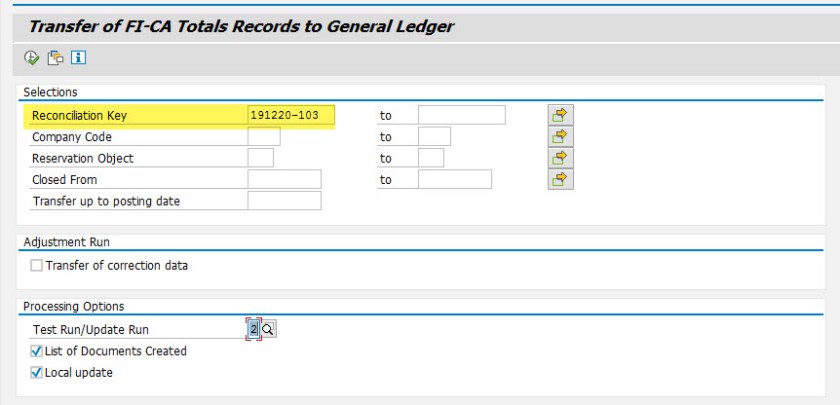
On the selection we an provide the details and execute.
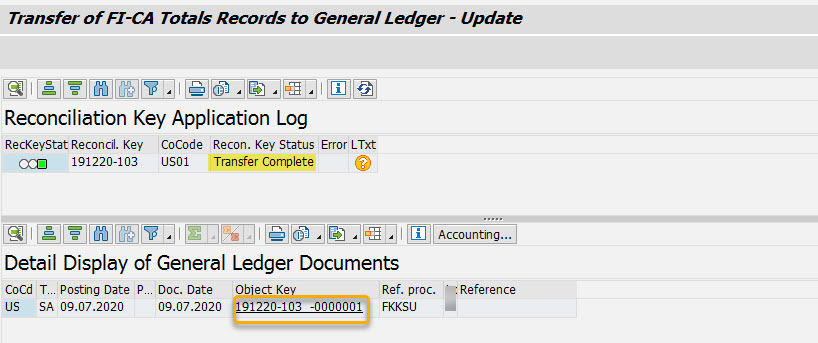
Now it is transferred to FI G/L.
Select the object key and choose accounting document.
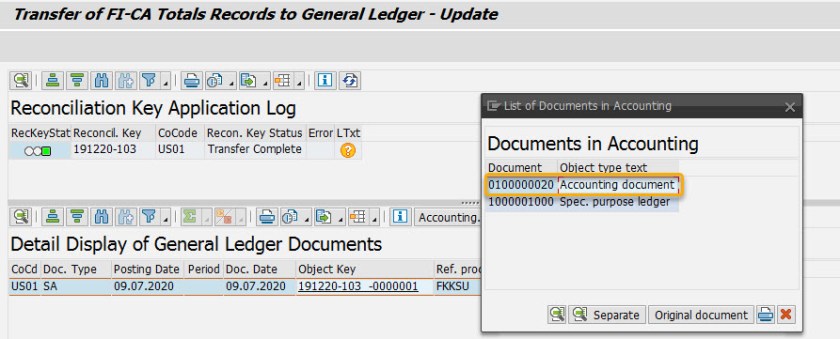
We have 2 posting doc assigned to the reconciliation key and during the transfer to FI G/L it is summarized and one accounting doc created with the credit and debit lines.
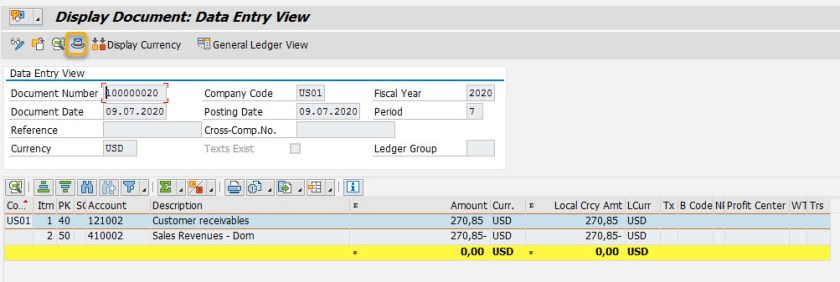
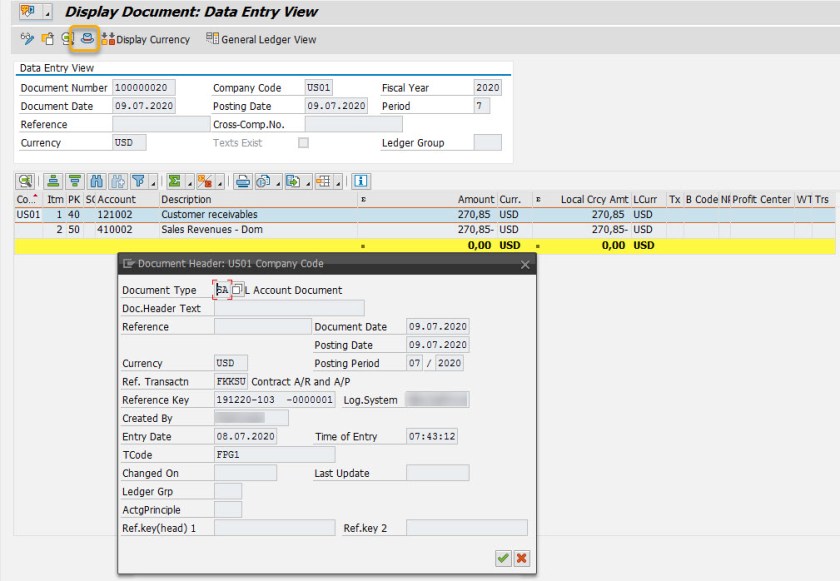
Accounting doc header.
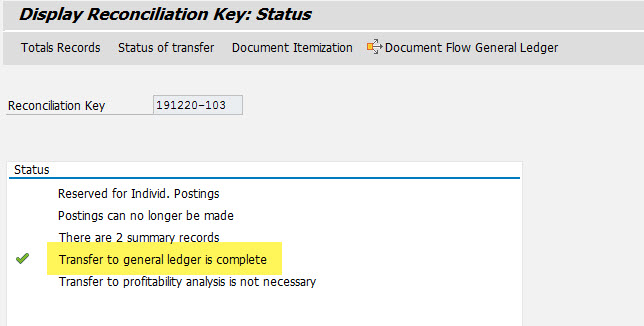
Now if we see again the reconciliation key , the transfer to FI is done.
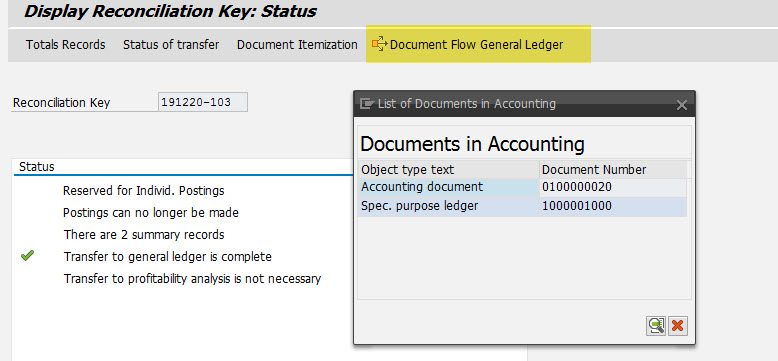
We can see the document flow to see the FI accounting doc.
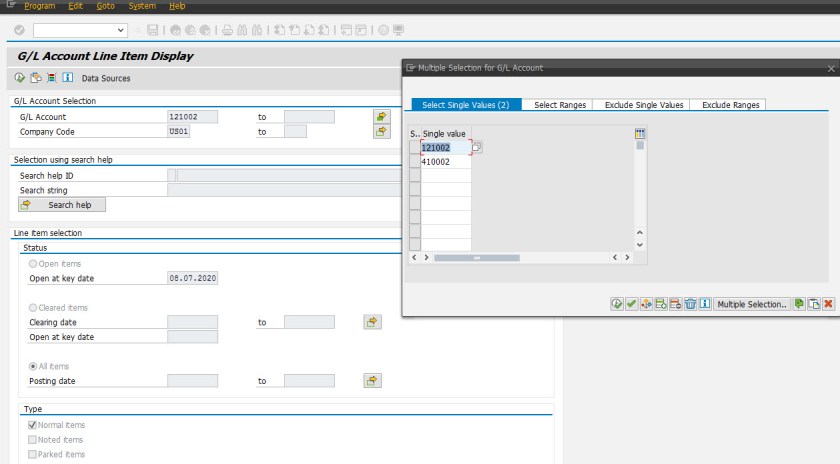
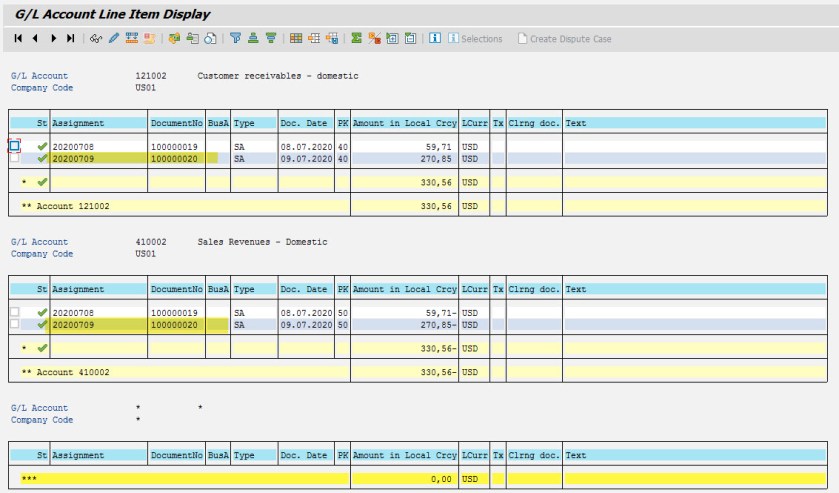
Execute the Tr- FBL3N to see the G/L line items.

Provide the G/L account and we can see the details-
 SAPCODES
Nice
LikeLike
hi,
can you post the credit card payment process end to end
LikeLike
Thanks for posting this integration! Its very well explained. Can you post all CI related steps, plus any credit card or payment integrations? Thank you
LikeLike
3D SECURITY WITH DNA AND DATA BASE WITH THE POPULATION IS THE ONLY TO SECURE BITCION
LikeLike