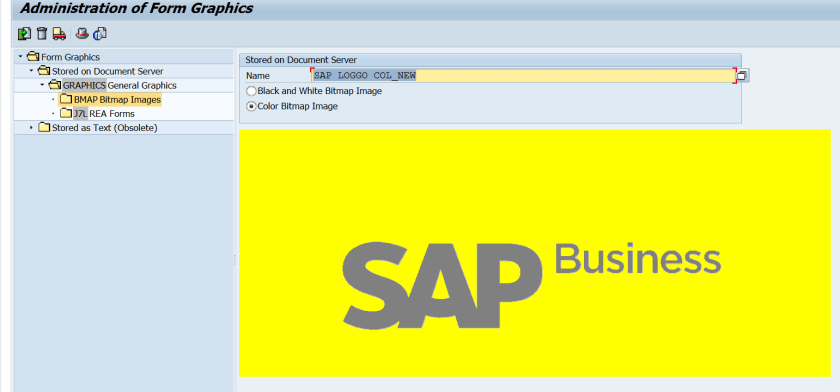
Imported a .BMP picture in SE78 .
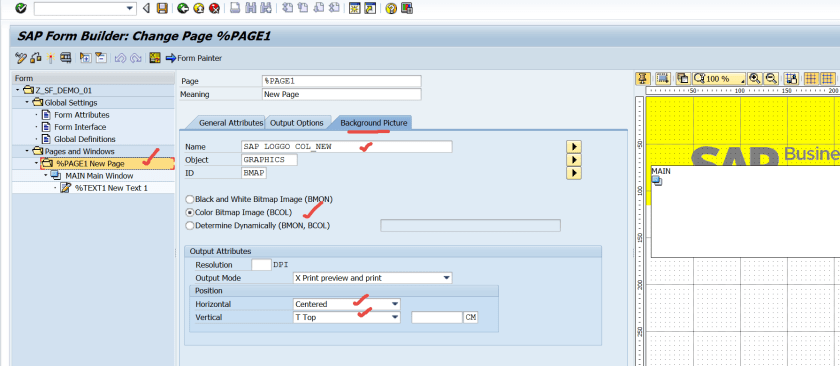
Create a smartform and in the Page->Background Picture assign a background picture.
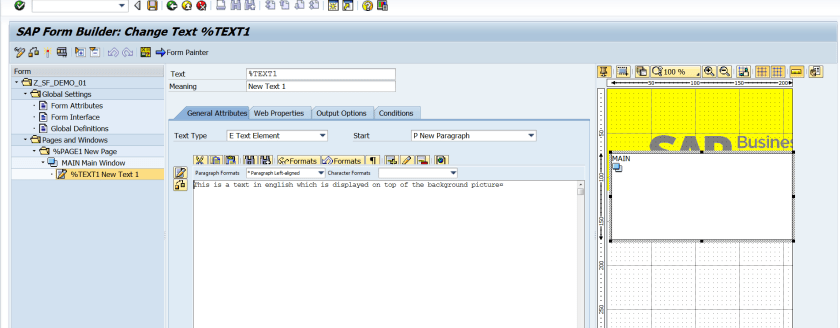
Create a text element. Activate the smartform.
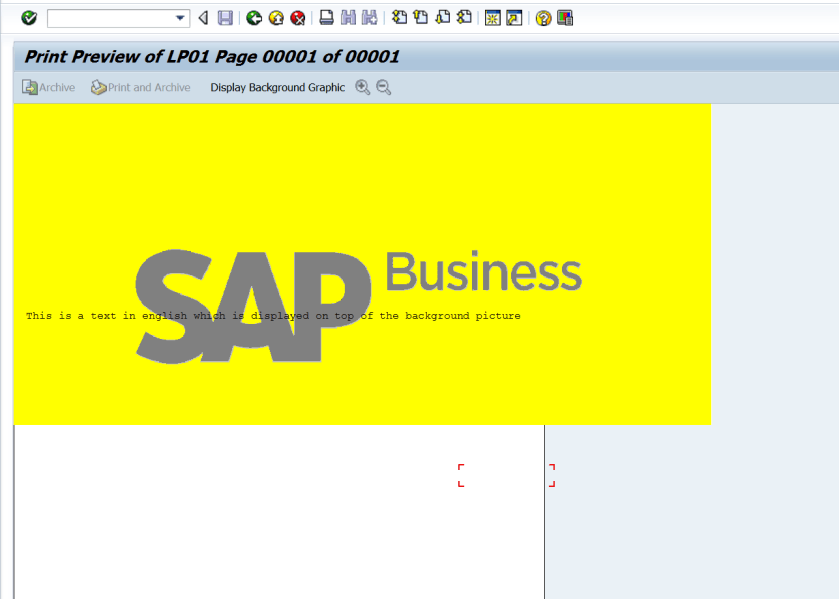
Test the smartform and here we can see the text appears on top of the pic.
Imported a .BMP picture in SE78 .
Create a smartform and in the Page->Background Picture assign a background picture.
Create a text element. Activate the smartform.
Test the smartform and here we can see the text appears on top of the pic.
 SAPCODES