 Variant Matching- Replacing configurable product with variant matching product
Variant Matching feature allows to replace a config material with a variant matching material if found.
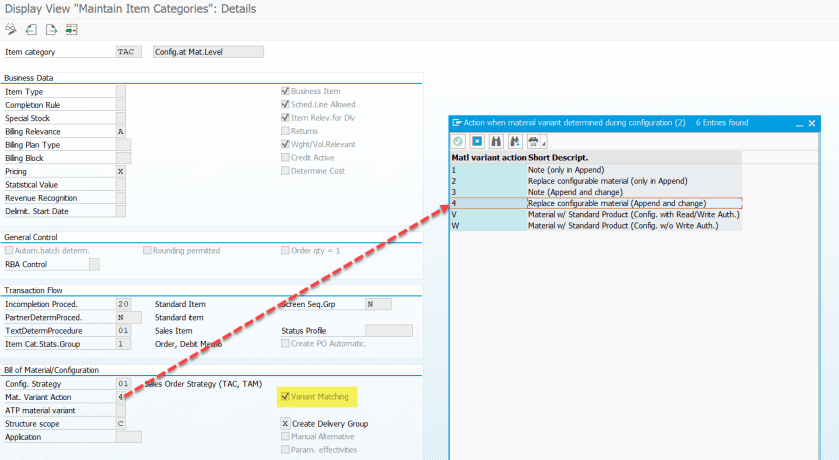
In the item category Variant Matching option is set and if value 4 is set then the original configurable material is replaced with variant matching material.
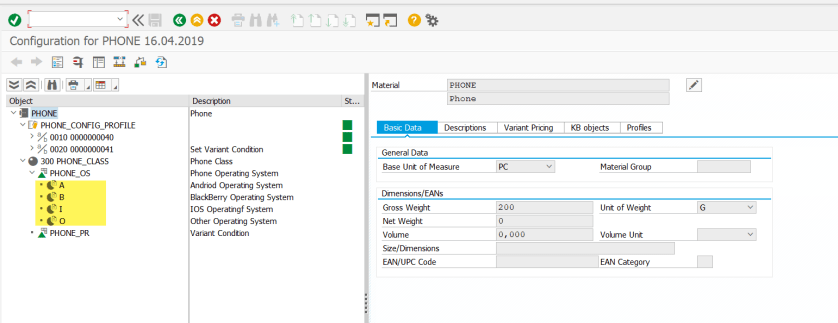
The config material – PHONE( Tx- MM03).
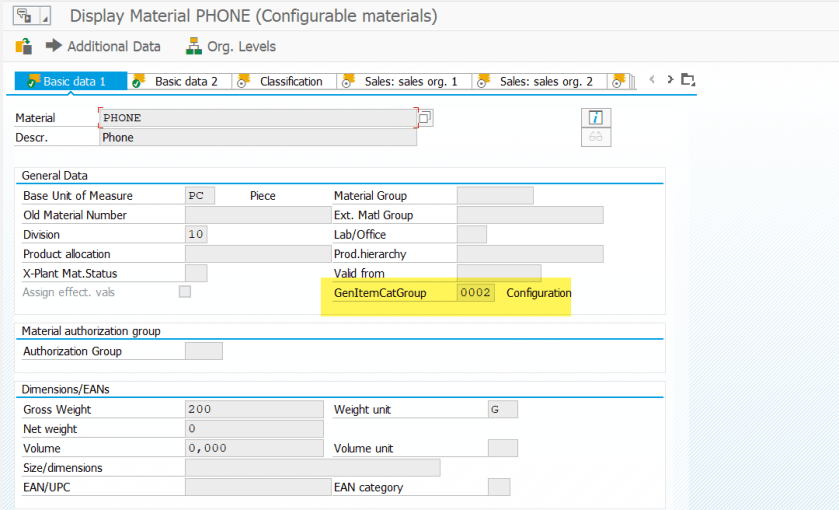
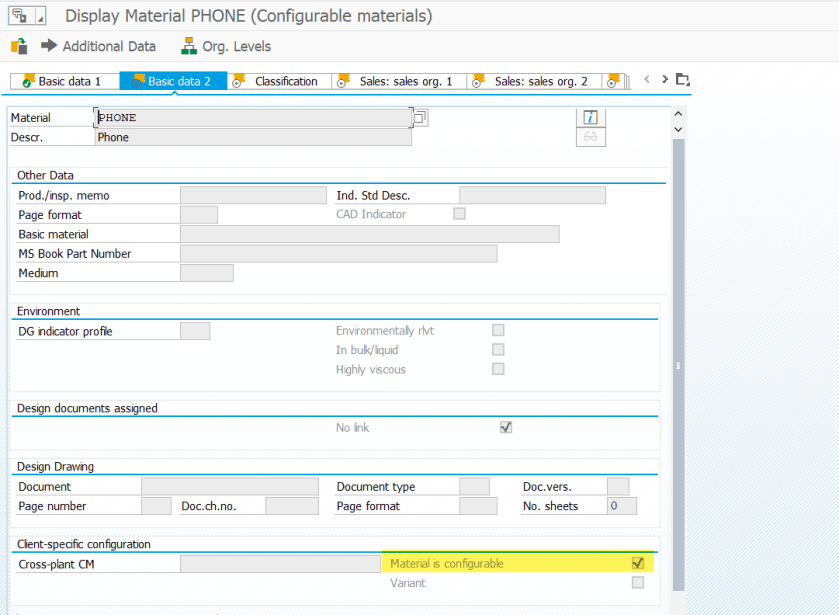
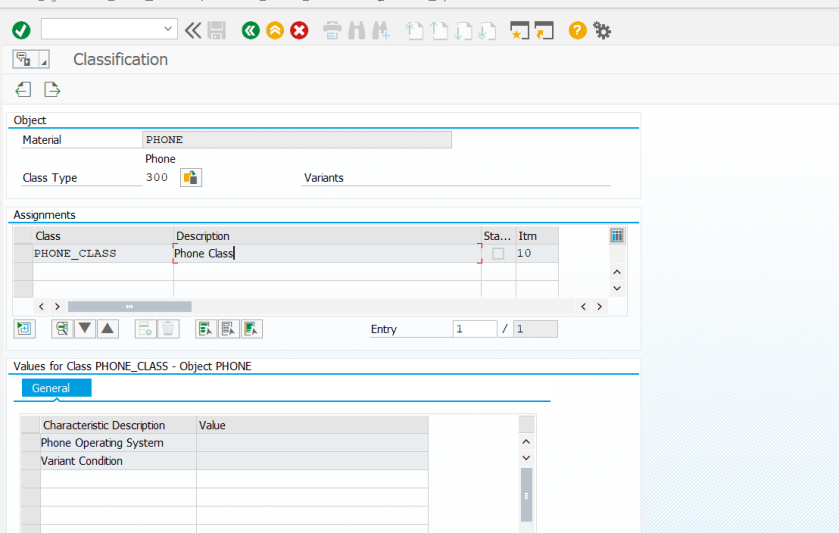
Tx- PMEVC – Characteristics of config material- PHONE .
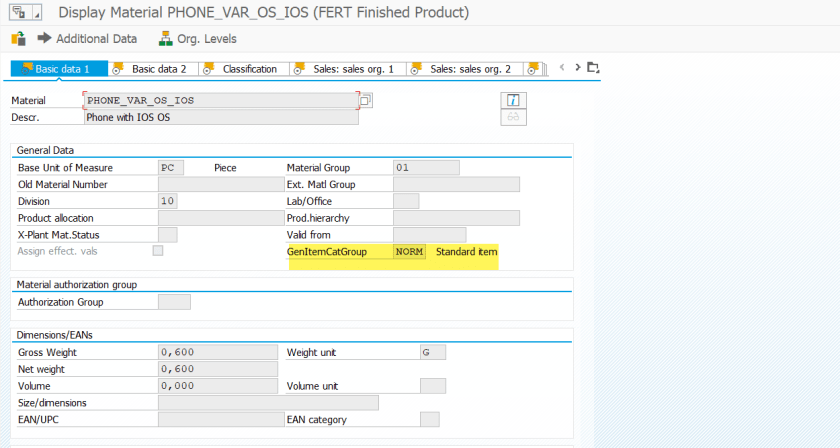
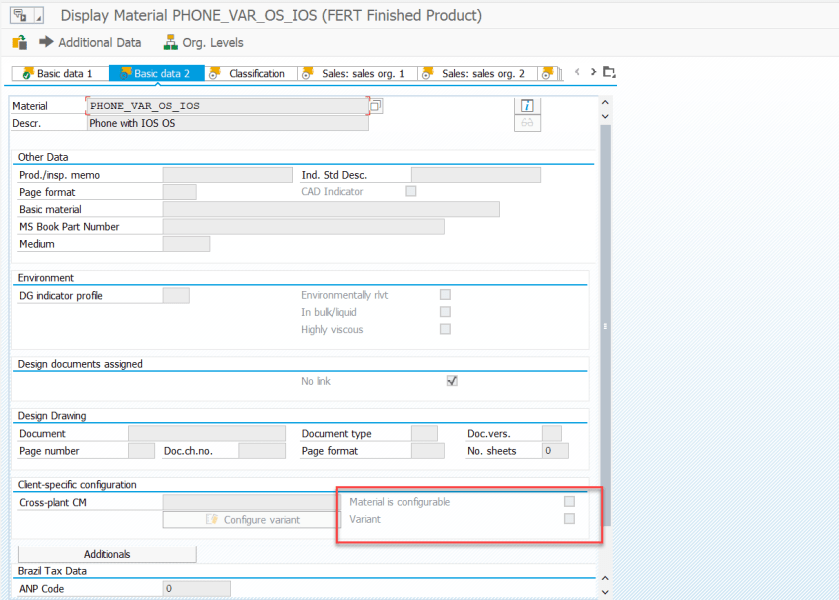
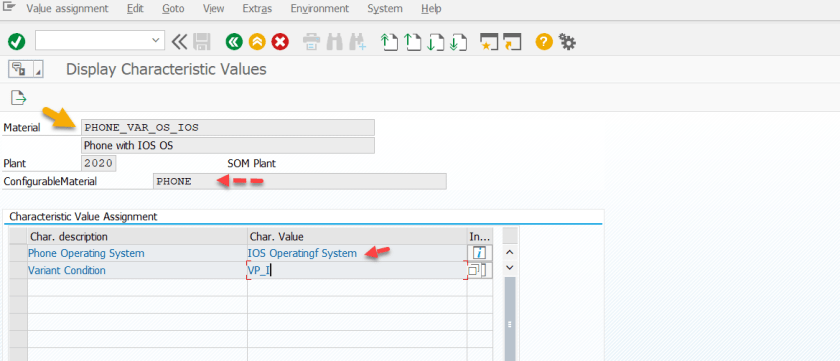
Tx- MM03 – Variant Matching Material( its not a config material).
In MRP3 tab, provide the config material which is PHONE and then select button Configure Variant[ Tx- MM01 ].
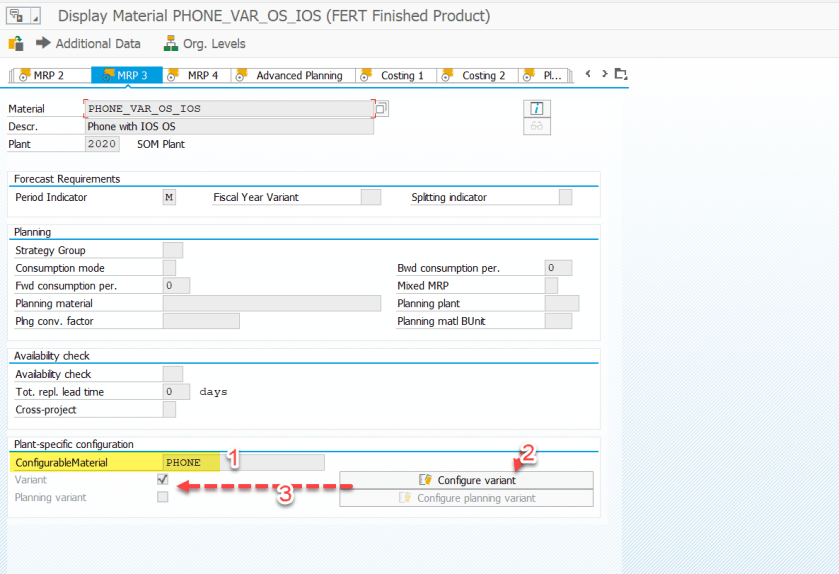
Here characteristic- PHONE_OS is set as I [ IOS Operating System].
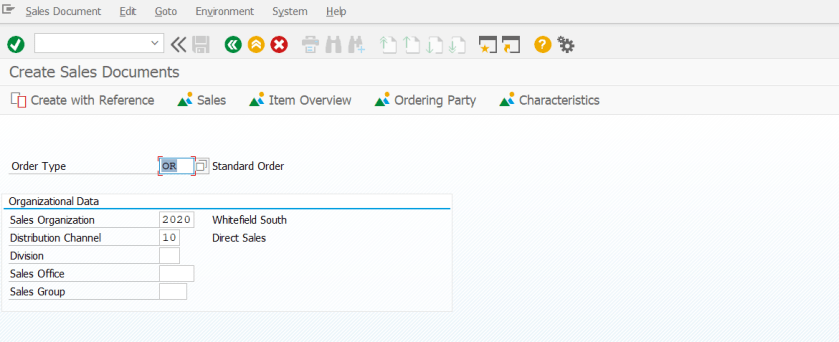
Now create a sales order.
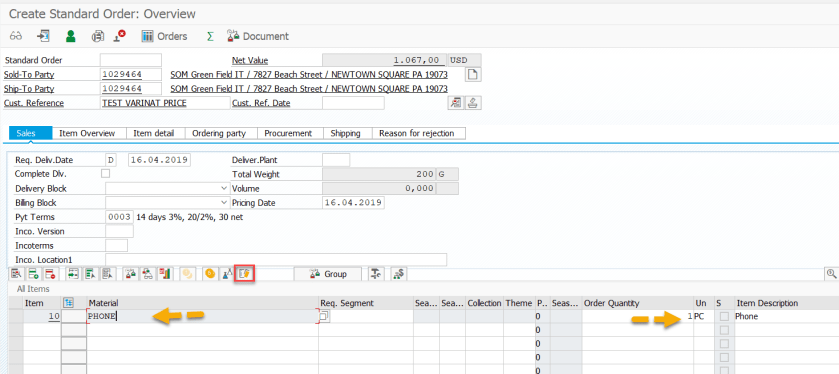
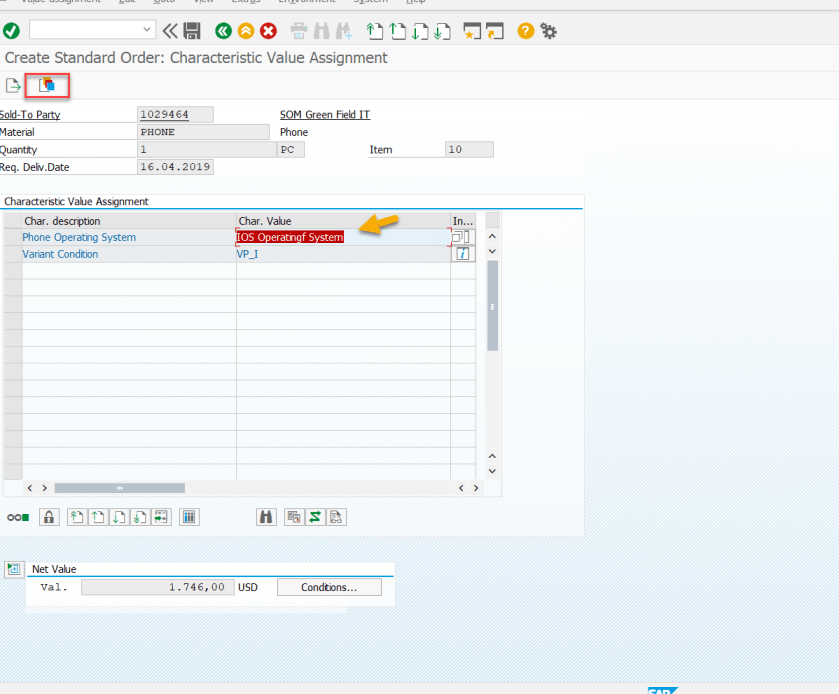
Provide config material- Phone and provide a quantity, Then select the item config button.
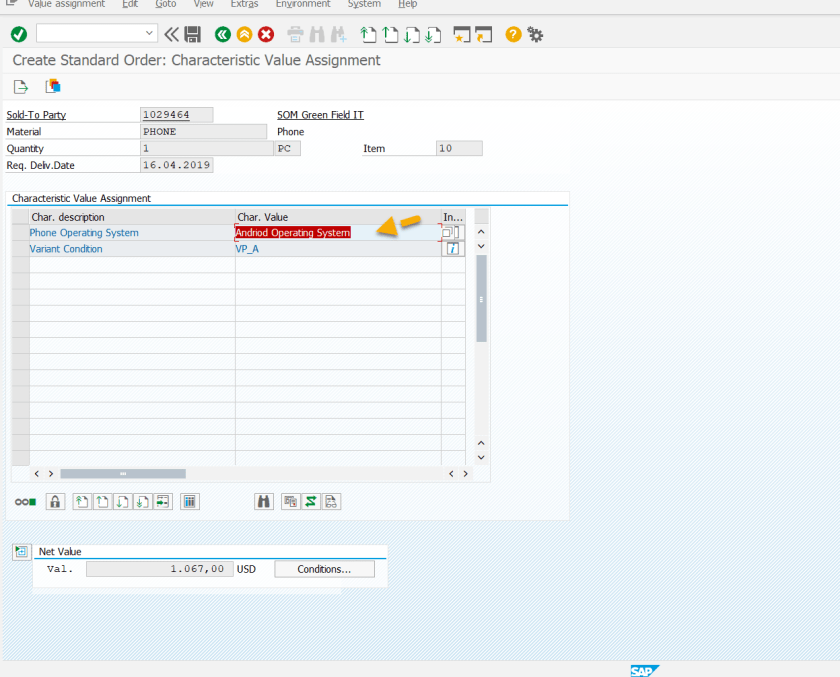
Default value appears for the characteristics: PHONE_OS . Now set the value of it to I [ IOS Operating System].
Then select the Variant Matching Button.
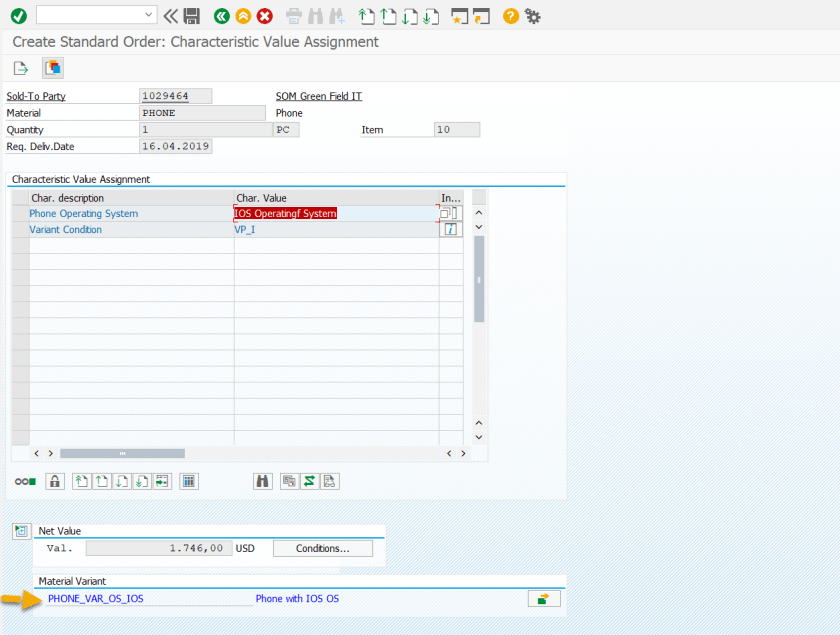
The system shows the matching variant material. Go back.
Select yes.
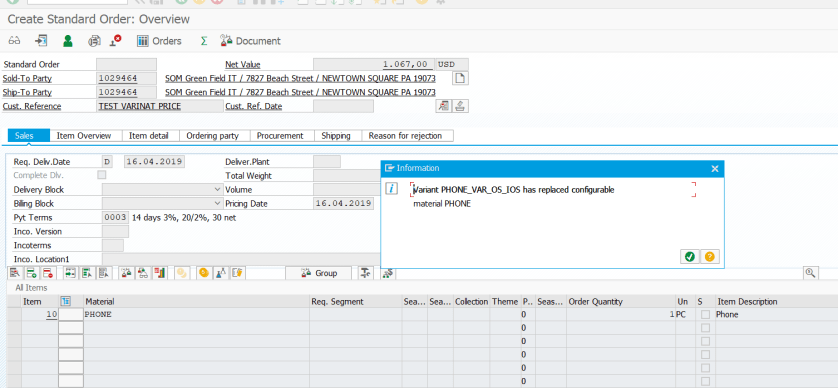
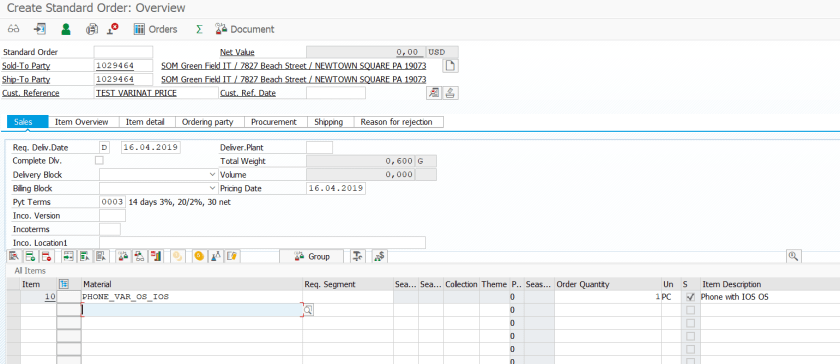
Now the variant matching material replaced the original config material.
 SAPCODES