 Killing the work process from OS level
As a basis administrator sometimes you will get the situation like all of the resources will be busy and you will not be able to login to the system in that situation you need to free at least one dialog work process so that you will be able to login to the system . In this scenario you have to kill the work process from OS level.To do so follow the below steps.
First go to command prompt and execute the command DPMON.
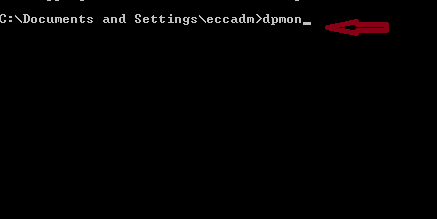
The below screen appears.
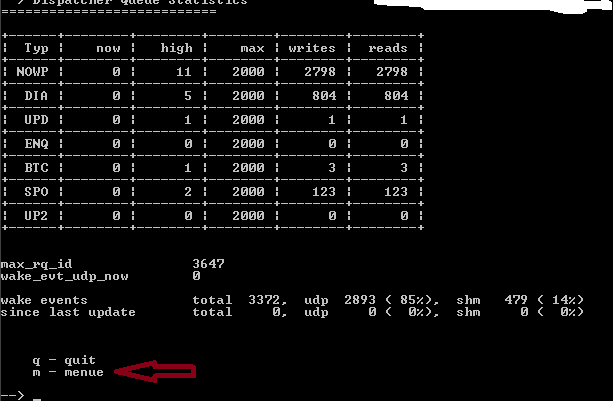
To see the command menu, then write m and execute.
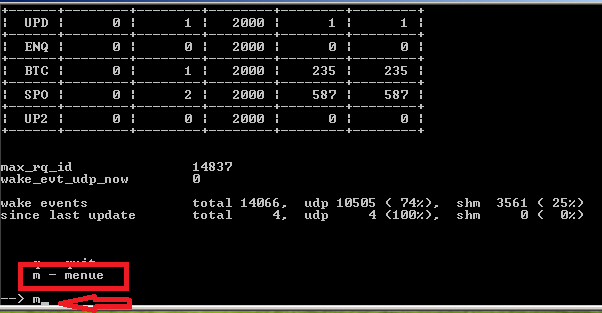
Below screen appears.

Here write l and execute.
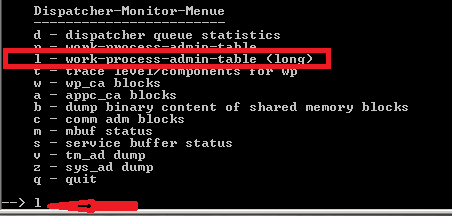
Below screen appears.
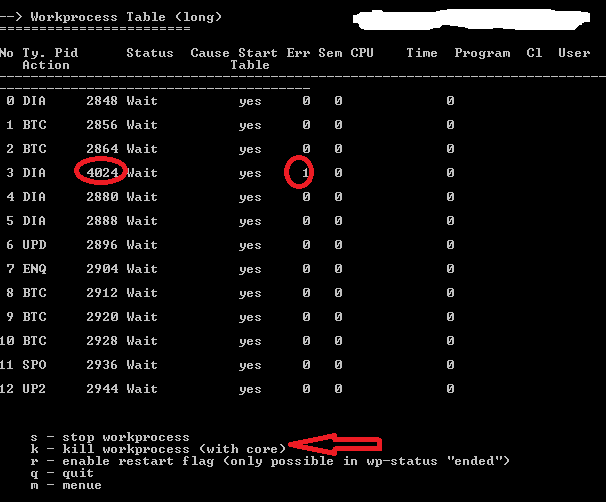
Here you will get the details of the work process and their PID(process Id).
Now choose which one you have to make free.And enter K.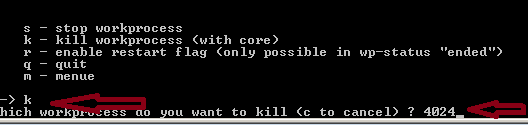
As shown in the above screen you will be asked to enter the PID . Just enter it and your work will be done.
 SAPCODES