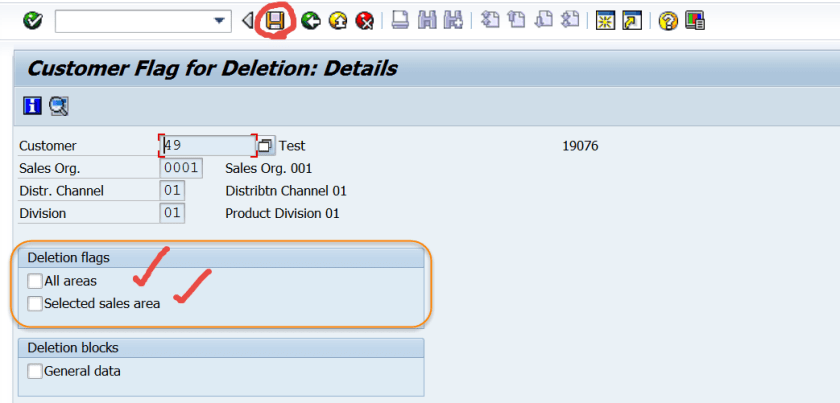
A customer can be marked for deletion for all sales areas or for a particular sales area.
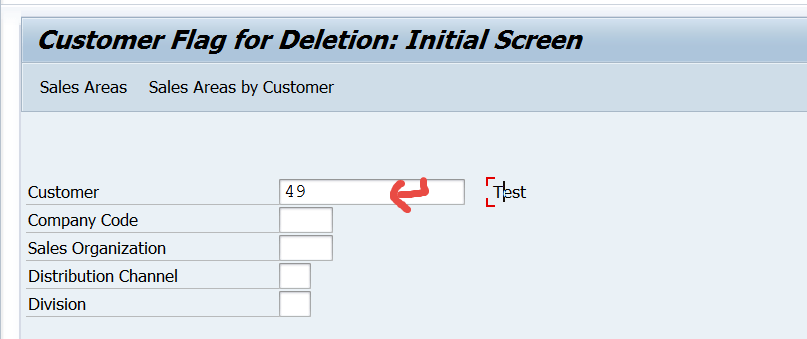
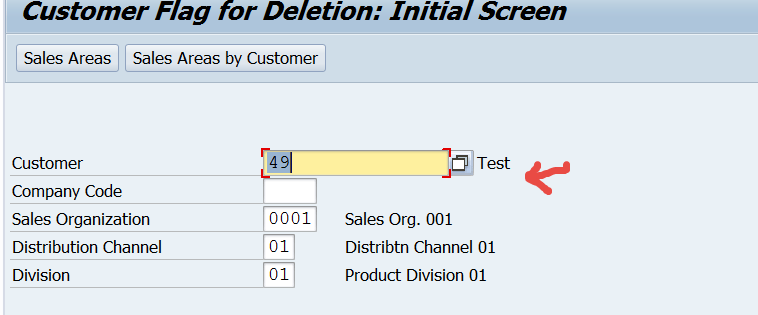
Go to Tx- XD06.

Provide customer number and press Enter.
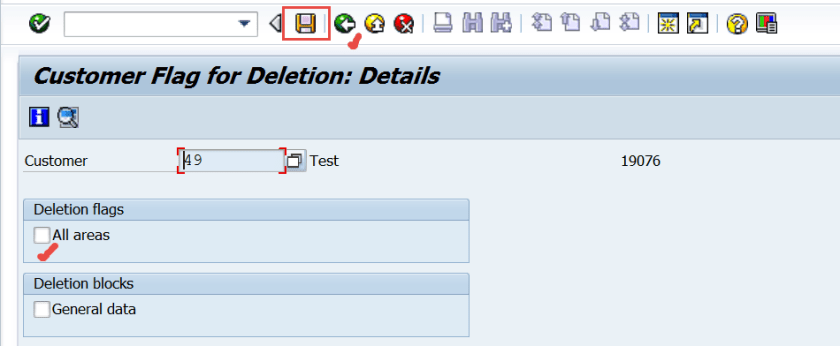
Deletion flag can be marked for all areas and Save.
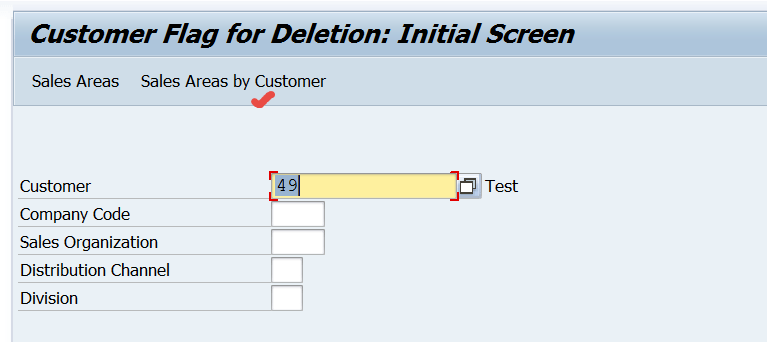
To set a customer deletion for a particular sales area. Go Back.
Provide the customer number and press Sales Area by customer.
Double click on the customer defined sales area.
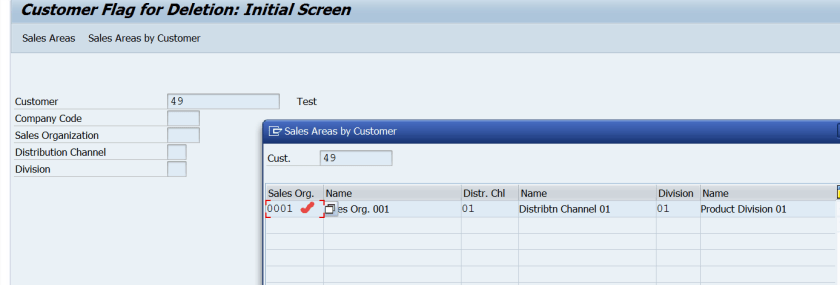
Press Enter.
Deletion flag can be set for a particular sales area and Save.
 SAPCODES