A block can be set on a customer on different levels. Like for a particular sales area or for all sales area and then a sales block or delivery block or billing block.
The post shows how to set a sales block on a customer for a particular sales organization.
Let’s try to create a sales order in Tx- VA01.

Provide the sales org as 0001, dist channel- 01 and division – 01.
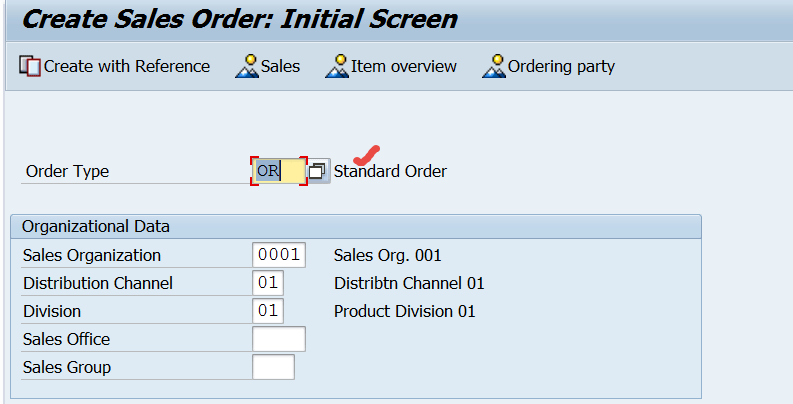
Provide the sold-to-party number as 49 and Enter. There is no block on the customer so it is allowed to create a sales order.

To block a customer- go to Tx- XD05.

provide customer number and the sales are details .

Now to set a Order Block- Press F4.
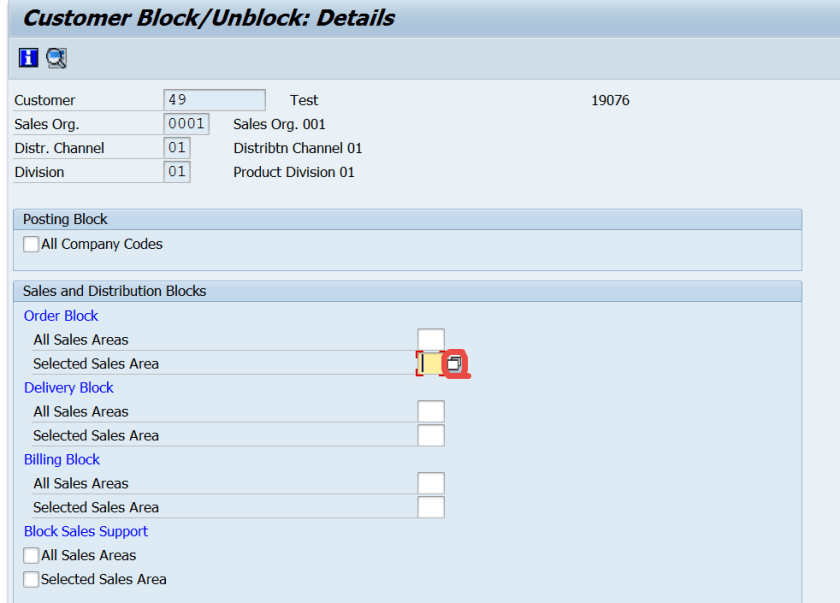
Choose a block reason.

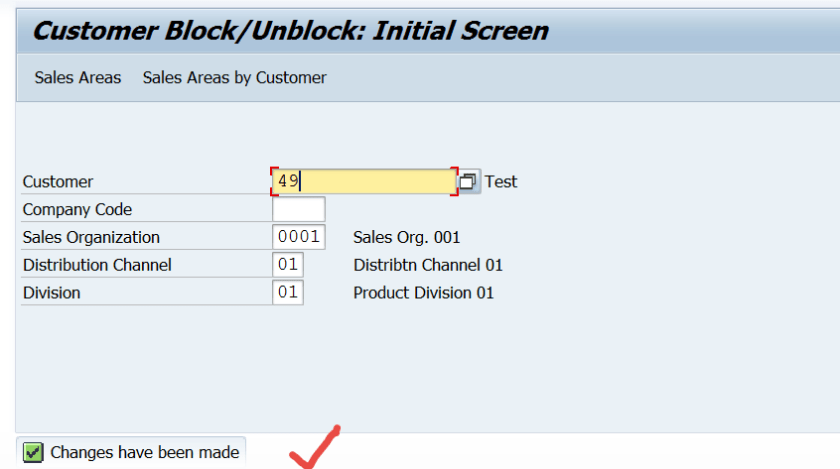
Save the changes.

Now try to create a sales order for the customer in the same sales area.
Once you provide the customer number and Press enter the below error message is displayed.

To Unblock a customer , just remove the order block reason from Tx- XD05.
 SAPCODES
Thank you so much
LikeLike