Checking SP Upgrade Log of Software Component?
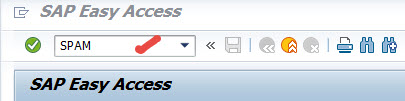
Go to Tx- SPAM
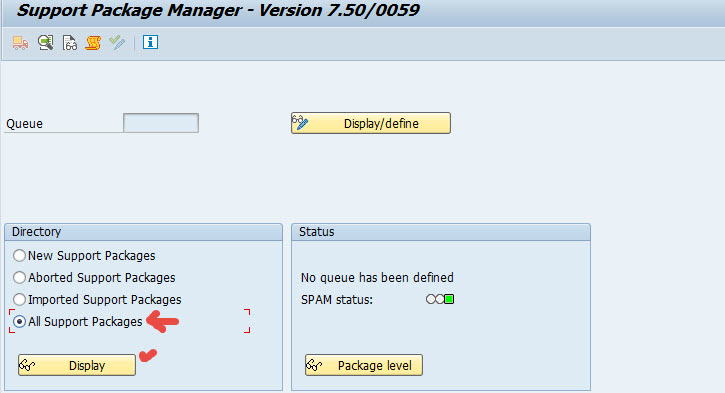
Select All Support package radio button & Display.
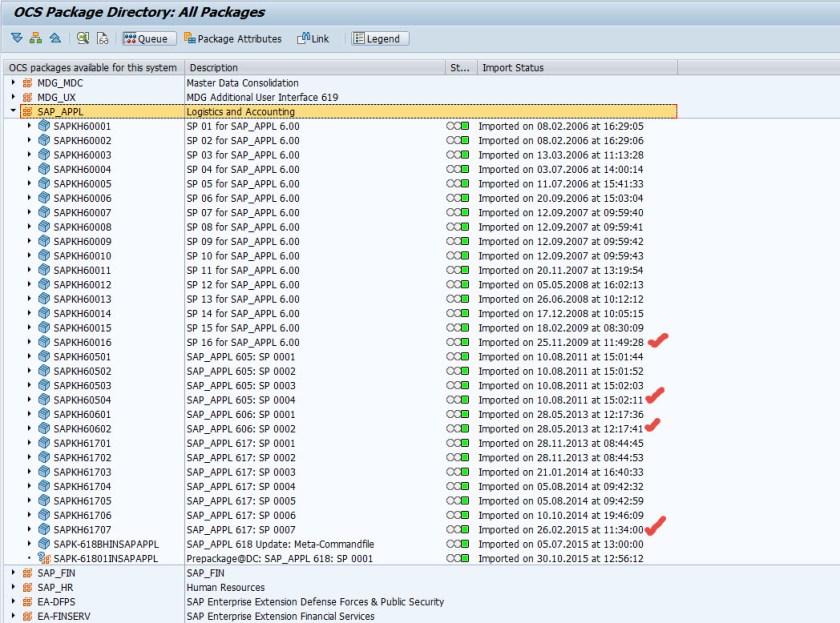
Select a software component for which you want to see the SP upgrade date and time details. Ex- Choose software component as SAP_APPL
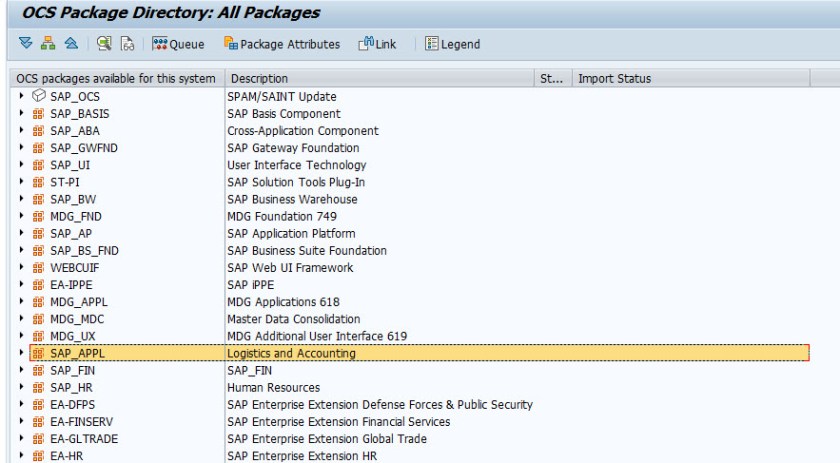
Here the detailed import status of each SP of the software component is displayed.
 SAPCODES