Let’s create a Debit memo request ( order type – DR ) in VA01 transaction.
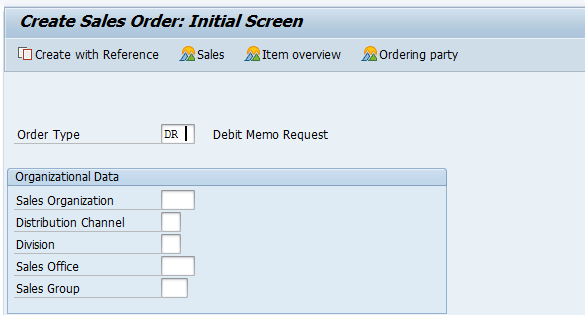
Provide sold to party and go to the header overview.
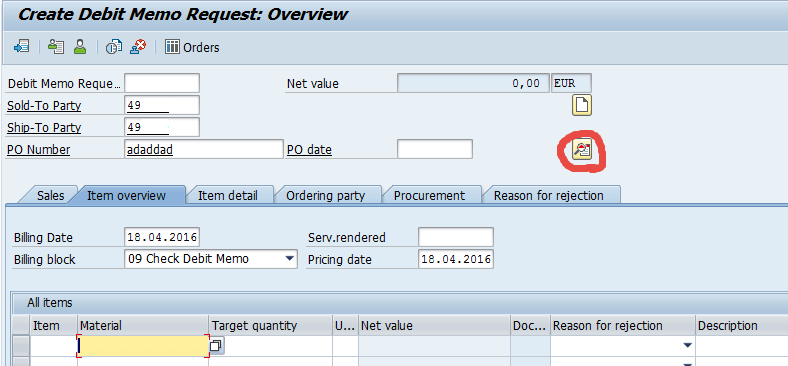
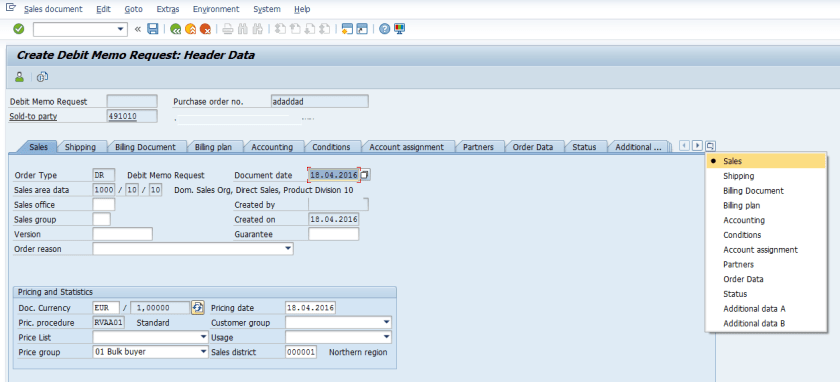
Here there is no payment card tab is available.
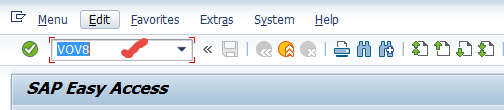
Always the sales document type is configured with payment card details. Let’s check the document type configuration in Tx- VOV8
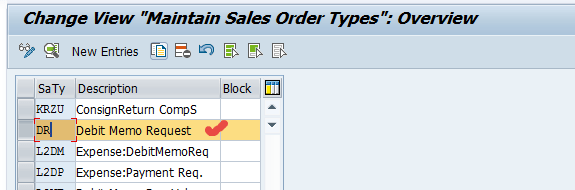
Double click on the Sales Order type – DR
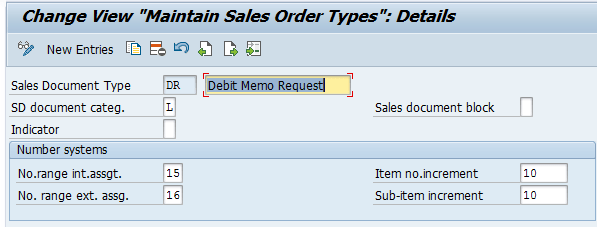
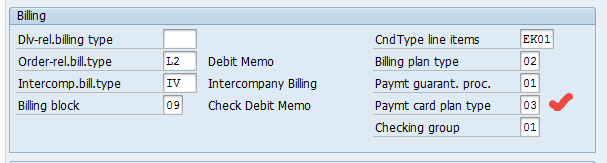
under the billing section- the payment card plan type is left blank which means if we create any document with sales type- DR then payment card tab won’t be visible.
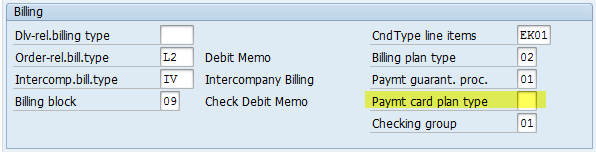
Assign a value to this from F4 help. Choose- 3 Payment card .
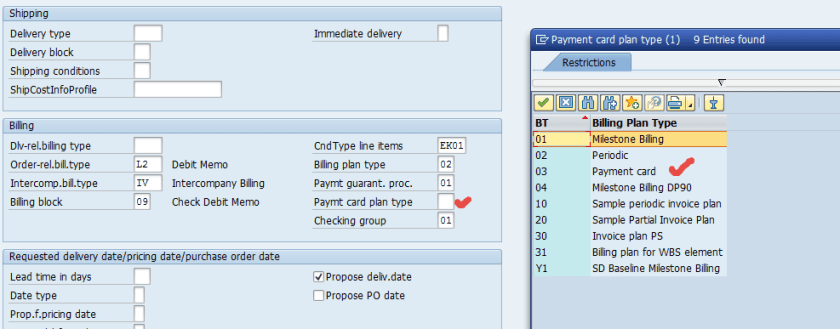
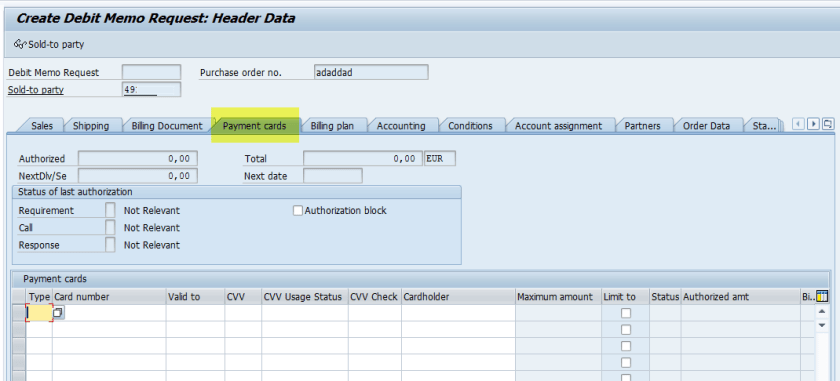
Now the payment card tab should appear in the header of the sales document created with type as – DR
 SAPCODES