Go to Tx- SPRO. we need to call node Logistics Execution from our report program.
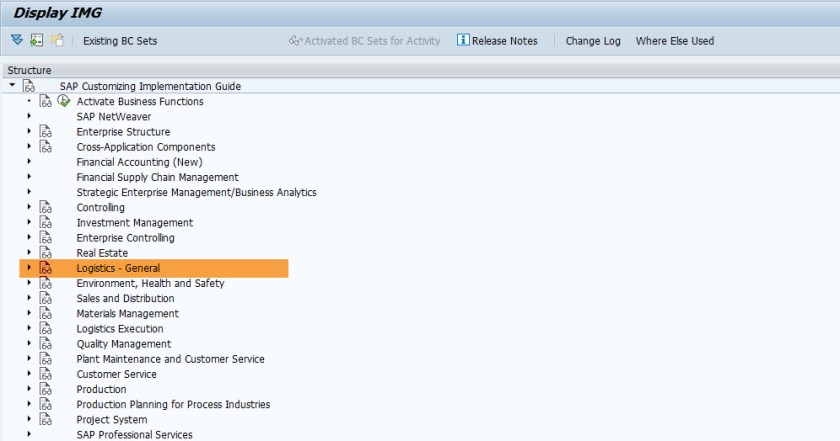
Go to Tx- SIMGH

Choose F4.

From Search option provide as – Logistics Execution.
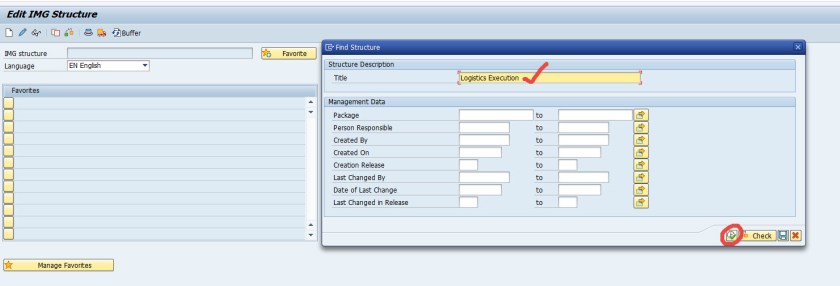
From Search result choose first one[ or as per you need].

Choose display button.

Well it displays the correct node. Now we have to call it from our program. Go back.

From menu option choose, Utilities->Display Object Directory Entry

Note down the structure ID.

The node ID should be present in the table- TTREE

You can call the FM-STREE_EXTERNAL_DISPLAY in your program [for demo lets directly test it from Tx- SE37 ]
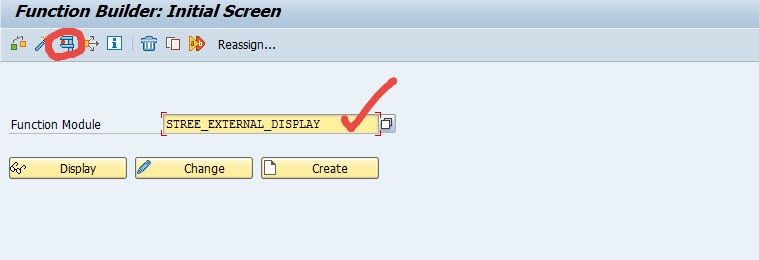
Provide the ID value and test.
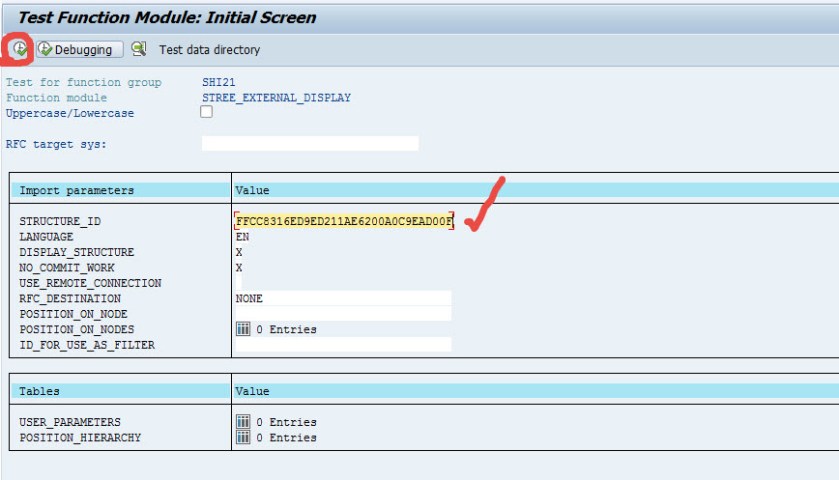
Here it displays the SPRO Node.

 SAPCODES