Creating DOMAIN
Step 1. Go To TCODE- SE11, Select the ‘Domain ‘ radiobutton , provide the Domain name and Click on the ‘CREATE’ button.

Step 2. Provide the Short Description. Provide the data type as per the requirement and also provide the no of characters. At last click on the activate button to active the DOMAIN.

Creating DATA ELEMENT
Step 1. Go To TCODE- SE11, Select the Data Type Radio button, Provide the Data Element Name and click on the ‘CREATE’ Button.
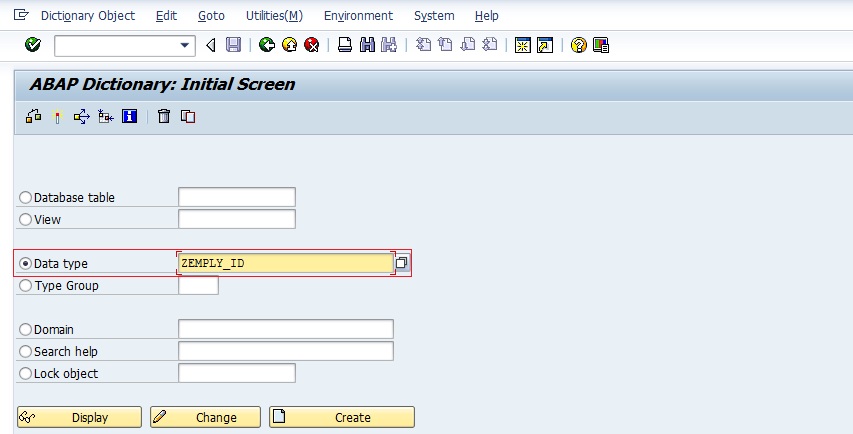
Step 2. Select the Data Element radio button and click on the Tick Button.

Step 3. Provide the Short Description and select the DATA TYPE Button and Provide the DOMAIN Name and Then Click on the FIELD LABEL Button.

Step 4. Provide the Field Label text as shown Below and click on the Activate Button to activate the data element.

 SAPCODES
avc
LikeLike